$ $ sudo master --ai-development
Boot sequence initiated... Loading AI mastery modules.
Course Length
8-Week Curriculum
From AI fundamentals to building production-ready AI features. Hands-on every week.
13% explored
The AI-Powered Developer: Landscape & Foundations
Portfolio Projects
3 Portfolio-Ready Capstone Projects
Ship production-grade apps that showcase your AI skills to employers and clients.
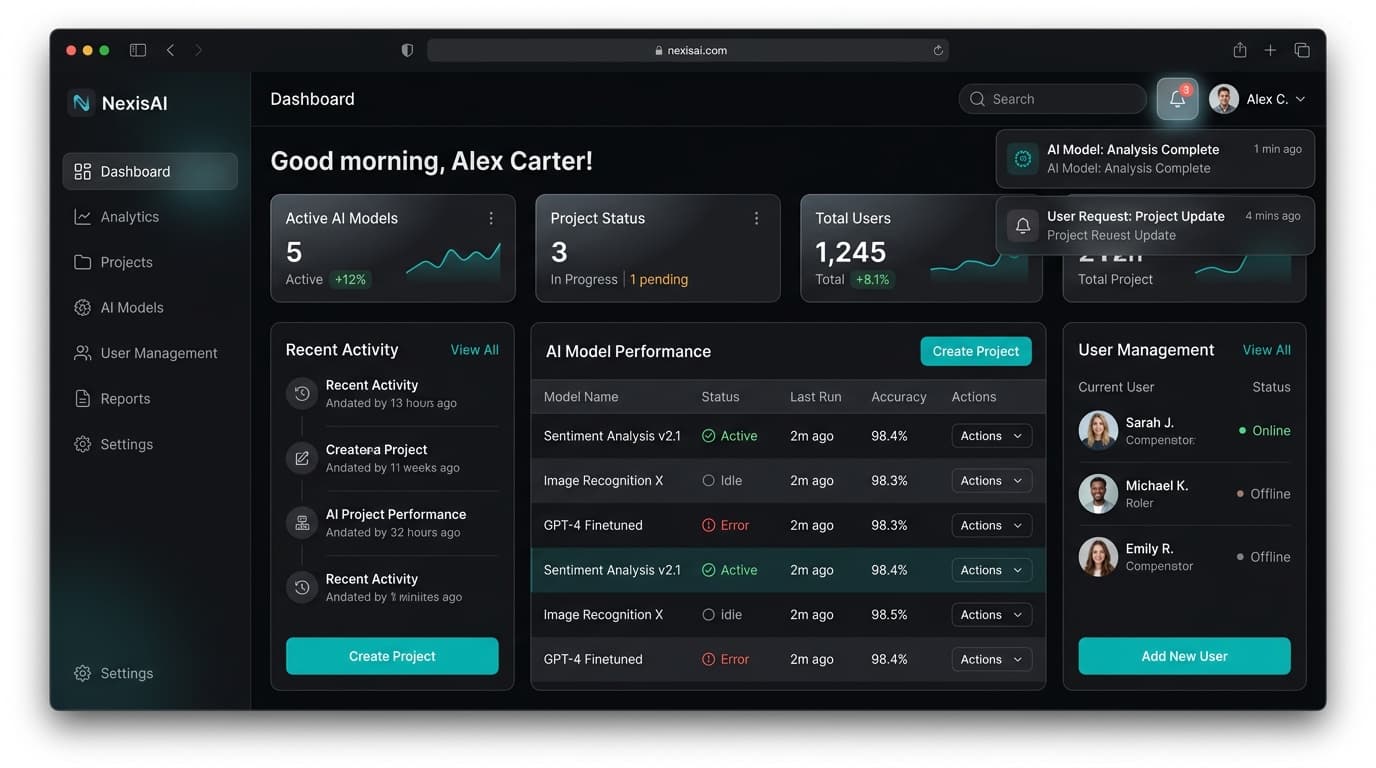
Full-Stack SaaS App with AI Pair Programming
Build a complete SaaS application using vibe coding techniques. Use Cursor Agent and Claude Code for 70%+ of development. Maintain a detailed AI interaction log showing your orchestration decisions.
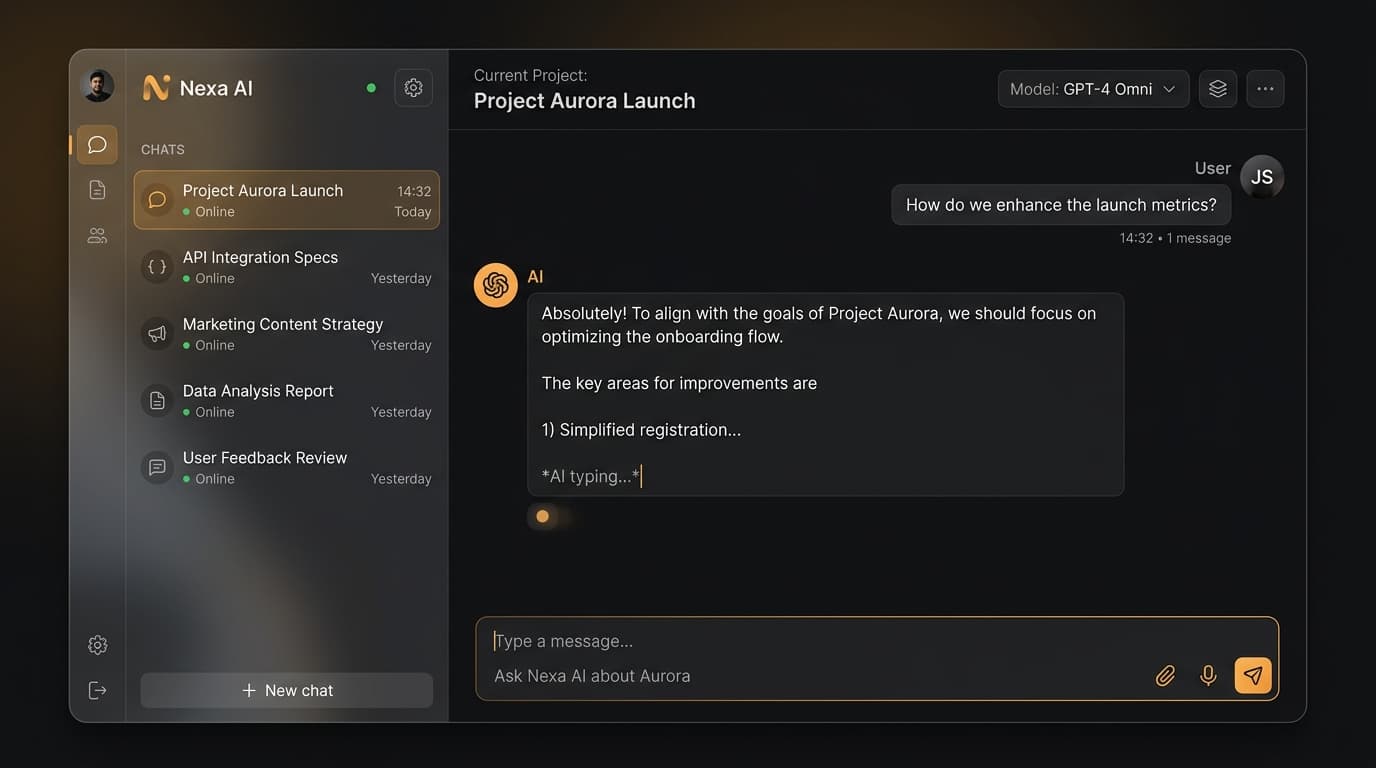
AI-Powered Code Quality Pipeline
Take a legacy codebase and transform it: generate comprehensive test suites, find and fix security vulnerabilities, produce documentation, and build a CI/CD pipeline with AI-powered quality gates.
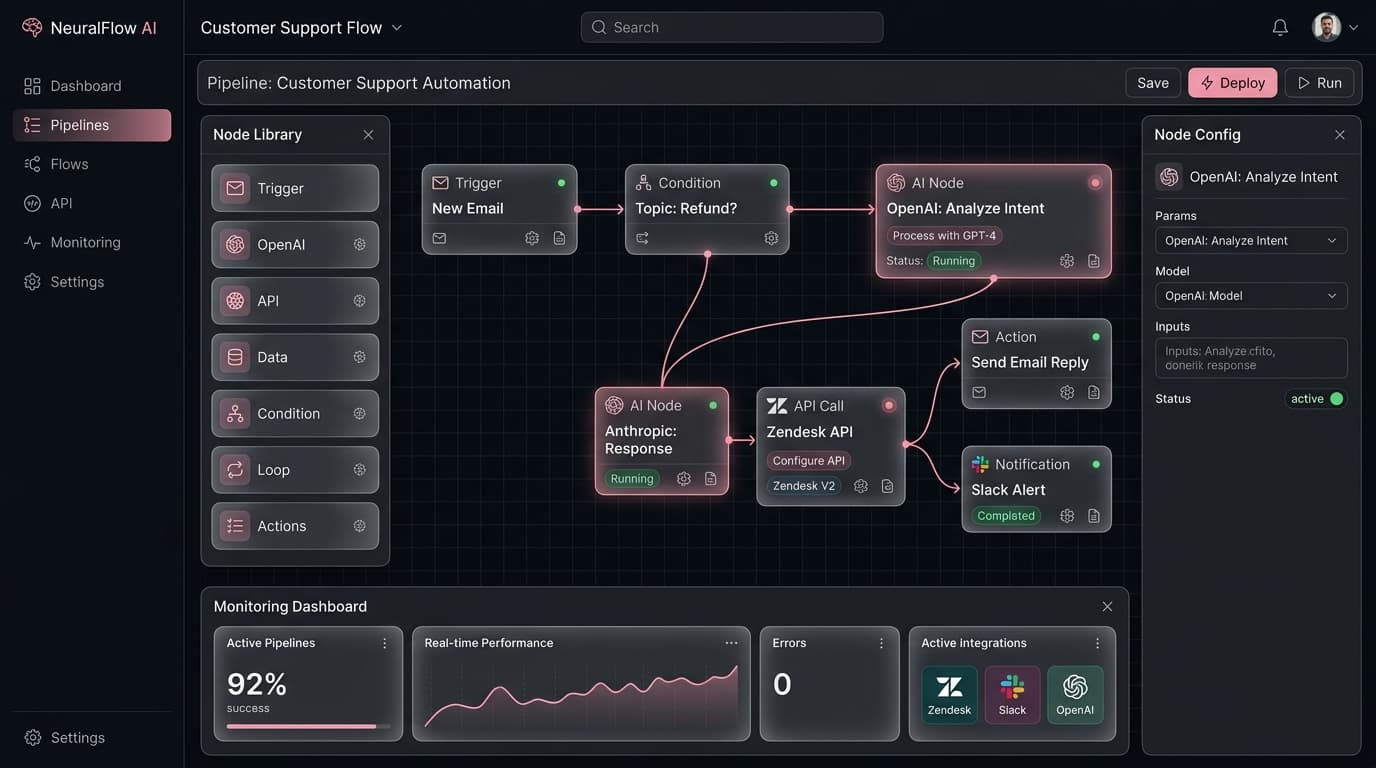
AI-Native Application Capstone
Build and deploy an AI-native application with LLM integration, RAG pipeline, and MCP connections. Demonstrate multi-agent orchestration, proper testing, and production deployment.
Invest in Your AI-Powered Future
Join 4,800+ developers who've transformed their careers. 85% of developers now use AI tools — don't fall behind. 14-day money-back guarantee.
- 8 weeks of live classes
- 3 capstone projects
- Community Slack access
- Session recordings
- Certificate of completion
- Everything in Early Bird
- 1-on-1 mentor session
- Priority Q&A support
- Lifetime resource access
- LinkedIn recommendation
Minimum 5 seats
Volume discounts available
- Everything in Full Access
- Team progress dashboard
- Custom project scoping
- Dedicated account manager
- Invoice billing available
Questions? info@codeleap.ai
Custom Organization Pricing
Upskill your entire team with a tailored AI training program. Get volume discounts, dedicated support, and custom onboarding for your organization.
Team Enrollment
5+ seats with volume discounts
Custom Onboarding
Tailored to your team's needs
Progress Dashboard
Track your team's learning
No fixed price — we'll create a plan that fits your organization's size and goals.
Book Your Study Session
One live study session per month. Select a date below and reserve your spot.
Sessions are held online via Zoom. Calendar invites will be sent upon confirmation.
Questions? info@codeleap.ai
Frequently Asked Questions
Everything you need to know before enrolling.
No! This bootcamp is designed for professional developers with zero AI experience. We start from the basics and build up to agentic engineering.
Familiarity with any mainstream language (Python, JavaScript, Java, etc.) is sufficient. Most examples use Python and TypeScript, but AI tools work across all languages.
No - and that's the entire point. AI is a productivity multiplier, not a replacement. Developers who master agentic engineering become 10x more valuable. We teach you to orchestrate AI, not compete with it.
Claude Code, Cursor IDE, GitHub Copilot, Devin, Windsurf, Codex, Vercel v0, and more. Plus frameworks like LangChain and protocols like MCP.
2-4 hours of live classes per week for 8 weeks, plus time for projects and homework. Most students spend 6-10 hours total per week including independent practice.
Yes, upon successful completion of all three projects, you receive a CodeLeap AI-Powered Software Engineering certificate that you can add to LinkedIn and your resume.
Both! We offer individual enrollment and discounted corporate team packages (5+ seats at $997/person). Contact info@codeleap.ai for team pricing.
We accept all major credit and debit cards via Stripe. Secure checkout with instant confirmation.
All sessions are recorded and available for replay. You also get access to our community Slack channel where instructors and peers can help you catch up.
Yes, we offer a 14-day satisfaction guarantee. If you're not happy with the course within the first two weeks, we'll refund your payment in full.
Can't find your answer? Contact us
$ Begin your journey
Questions? Reach out to
14-day money-back guarantee · Certificate of completion