Build Powerful AI Automations — No Coding Required
Connect apps, automate workflows, and build AI chatbots using visual tools. Perfect for non-technical professionals who want AI superpowers.
| A | B | C | D (AI) | |
|---|---|---|---|---|
| 1 | Q1 Revenue | $1.2M | +12% | — |
| 2 | Q2 Revenue | $1.8M | +50% | — |
| 3 | Q3 Revenue | $2.4M | +33% | — |
| 4 | Q4 Forecast | $3.1M | +29% | AI predicted |
Tools You'll Master
CodeLeap is a live, cohort-based AI bootcamp that teaches professionals to integrate AI tools like Cursor, Claude Code, and GitHub Copilot into their daily workflow. The 8-week program includes 3 portfolio projects, expert instruction, and a 14-day money-back guarantee.
You do not need to write a single line of code to automate your entire workflow with AI. This office-track bootcamp teaches you to build powerful automations using Microsoft Copilot, ChatGPT, Zapier AI, and Make — connecting your apps, eliminating repetitive tasks, and creating intelligent workflows that run themselves while you focus on high-value work.
Who Is This For?
Non-technical professionals who want to automate their work without learning programming languages
Small business owners who need to connect their tools and eliminate manual data transfer between apps
Marketing and operations teams looking to build automated pipelines for lead nurturing and reporting
Administrative professionals who want to create self-running workflows that handle routine tasks automatically
What You Will Learn
Building multi-step automations with Zapier AI and Make that connect dozens of apps without writing code
Using ChatGPT as an intelligent processing layer that transforms, summarizes, and routes data within your automations
Creating Microsoft Copilot workflows that auto-generate reports, emails, and presentations from raw data
Designing error-handling and monitoring for your no-code automations so they run reliably without supervision
Combining Copilot, ChatGPT, Zapier, and Make into end-to-end business processes that replace hours of manual work
Industry Insights
of business workflow automations can be built entirely without code using modern AI-powered no-code platforms
per week saved on average by professionals who implement no-code AI automation across their daily workflows
return on investment within the first year for businesses that adopt no-code AI automation strategies
“I cannot code and I never will — and that's perfectly fine because after CodeLeap I built 23 automations that run my entire client onboarding process. Zapier collects the leads, ChatGPT writes the welcome emails, Copilot generates the proposals, and Make sends the invoices. I literally automated myself out of 20 hours of weekly busywork.”
Frequently Asked Questions
Do I really need zero coding experience for this course?
What's the difference between Zapier AI and Make, and why learn both?
Will these automations break when apps update their features?
Faster Work
Student Satisfaction
Trusted Companies
Trusted Companies
Interactive Comparison
See the AI Difference
Drag the slider to compare manual vs AI-powered workflows
Use arrow keys or drag the handle to compare
Before & After AI
Productivity Superpowers
Master the AI tools that top performers use to get 3x more done.
Manually copy data between apps, one field at a time
Automated workflows sync everything across 50+ apps
Analyze spreadsheets manually with complex VLOOKUP formulas
Ask questions in plain English, get instant charts and insights
Spend 4 hours formatting a quarterly business report
AI generates polished reports with charts in 2 minutes
Write each email from scratch, guessing the best approach
AI drafts personalized emails with optimal tone and timing
Play calendar Tetris for hours trying to find meeting times
AI schedules meetings, handles conflicts, sends reminders
Manually enter receipts and categorize every expense
AI scans, categorizes, and reconciles expenses automatically
Live Demo
Experience AI-Powered Development
Watch AI suggest code in real-time. Click to accept suggestions.
Real-World Portfolio
Productivity Systems You'll Build
Create AI-powered workflows that eliminate repetitive work and reclaim your time
Workflow Automator
Connect apps, automate repetitive tasks, and build intelligent workflows that make decisions — saving 20+ hours per week.
AI Report Generator
Transform raw data into polished business reports with charts, executive summaries, and actionable insights — automatically.
Data Analysis Platform
Ask questions in plain English and get instant insights, charts, and predictions from any spreadsheet or database.
Email Automation System
Create AI-written email campaigns that personalize messaging per recipient, optimize send times, and A/B test subject lines.
Meeting Intelligence
Auto-transcribe meetings, extract action items, generate follow-up emails, and track decisions — all without lifting a finger.
AI Presentation Builder
Turn bullet points or documents into professional slide decks with consistent branding, visuals, and speaker notes.
Chat with AI — Try It Live
Experience how AI assists your workflow in real-time
What you'll achieve
Ready to get started?
Every module is designed to deliver measurable, career-changing results from week one.
Master Microsoft 365 Copilot across Word, Excel, PowerPoint, Outlook, and Teams for 10x productivity
Use Google Gemini for Workspace to automate Gmail, Docs, Sheets, Slides, and Meet workflows
Become a prompt engineering expert for business - write prompts that get perfect results every time
Automate repetitive tasks with AI agents using Zapier AI, Power Automate, and Make
Create professional presentations, reports, and documents in minutes instead of hours
Use AI for data analysis and visualization without any coding or spreadsheet formulas
Build no-code AI workflows and custom GPTs/Gems for your specific business needs
Master AI-powered project management, meeting summarization, and email triage
Understand AI ethics, data privacy, and responsible AI use in the workplace
Complete 3 real-world business projects demonstrating measurable productivity gains
Your toolkit
AI-Powered Workplace Professional Bootcamp
Master Microsoft Copilot, ChatGPT & AI Automation. Boost Productivity 40%. Stay Ahead.
Microsoft 365 Copilot
Office AI Suite
Google Gemini for Workspace
Workspace AI Suite
ChatGPT / GPT-4
AI Assistant
Claude
AI Assistant
Zapier AI / Central
AI Automation
Power Automate
Workflow Automation
Notion AI
AI Knowledge Base
Canva AI
AI Design
Gamma AI
AI Presentations
Otter.ai
AI Meeting Notes
Grammarly AI
AI Writing
Beautiful.ai
AI Presentations
Your AI Toolkit — Explore & Experiment
Click any prompt to see AI in action across different tools
Expert Instruction
Meet Your Instructor
Dr. Nadia El-Amin
Lead AI Productivity & Business Instructor
Former VP of Digital Transformation at McKinsey, 15+ years helping Fortune 500 companies adopt technology. PhD in Organizational Behavior from MIT Sloan. Specializes in AI adoption for non-technical teams, change management, and business process automation.
Course Length
8-Week Curriculum
From AI basics to automated workflows. No coding required. Hands-on every week.
13% explored
Welcome to the AI-Powered Workplace
Portfolio Projects
3 Real-World Business Projects
Ship production-grade apps that showcase your AI skills to employers and clients.
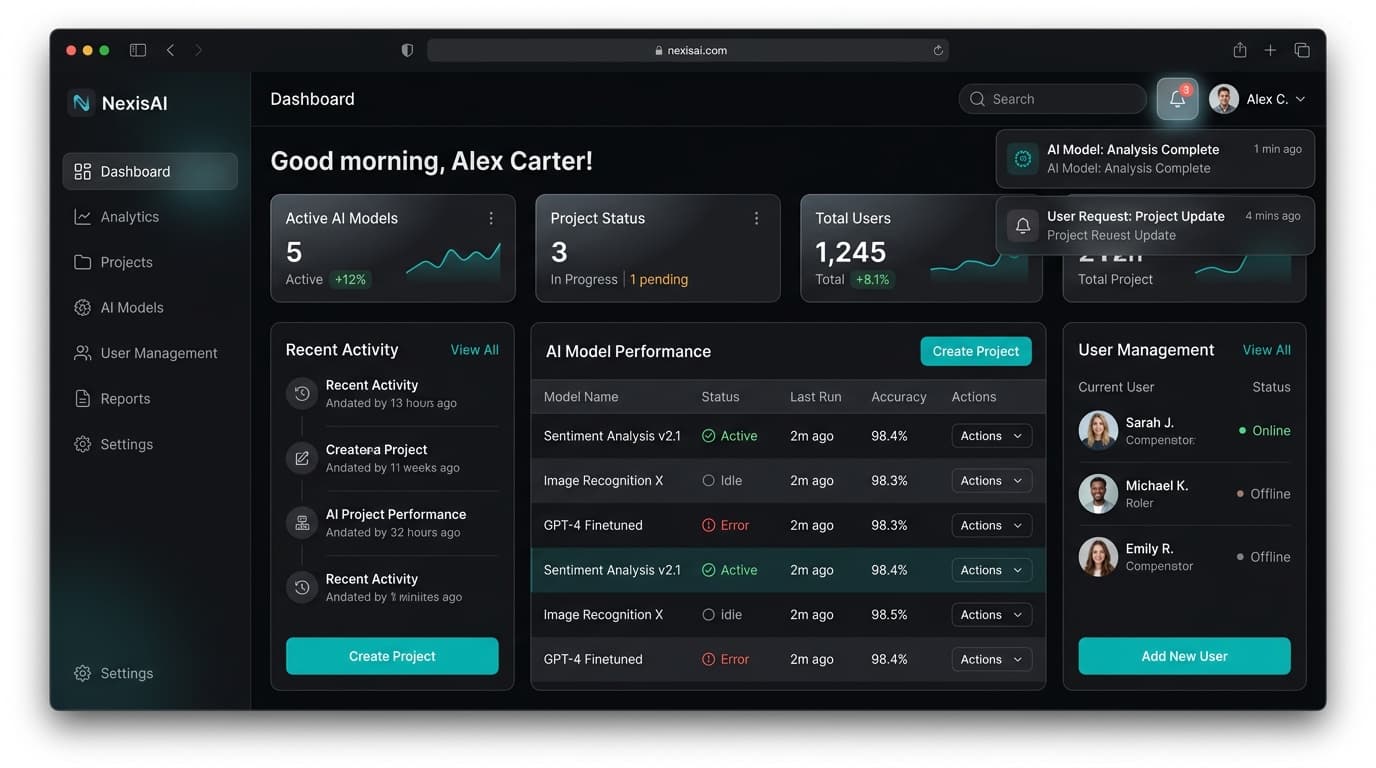
Business Process Transformation with AI
Identify a real business process in your work (reporting, onboarding, client communication, etc.) and transform it using Microsoft Copilot or Google Gemini. Document time saved and quality improvements.
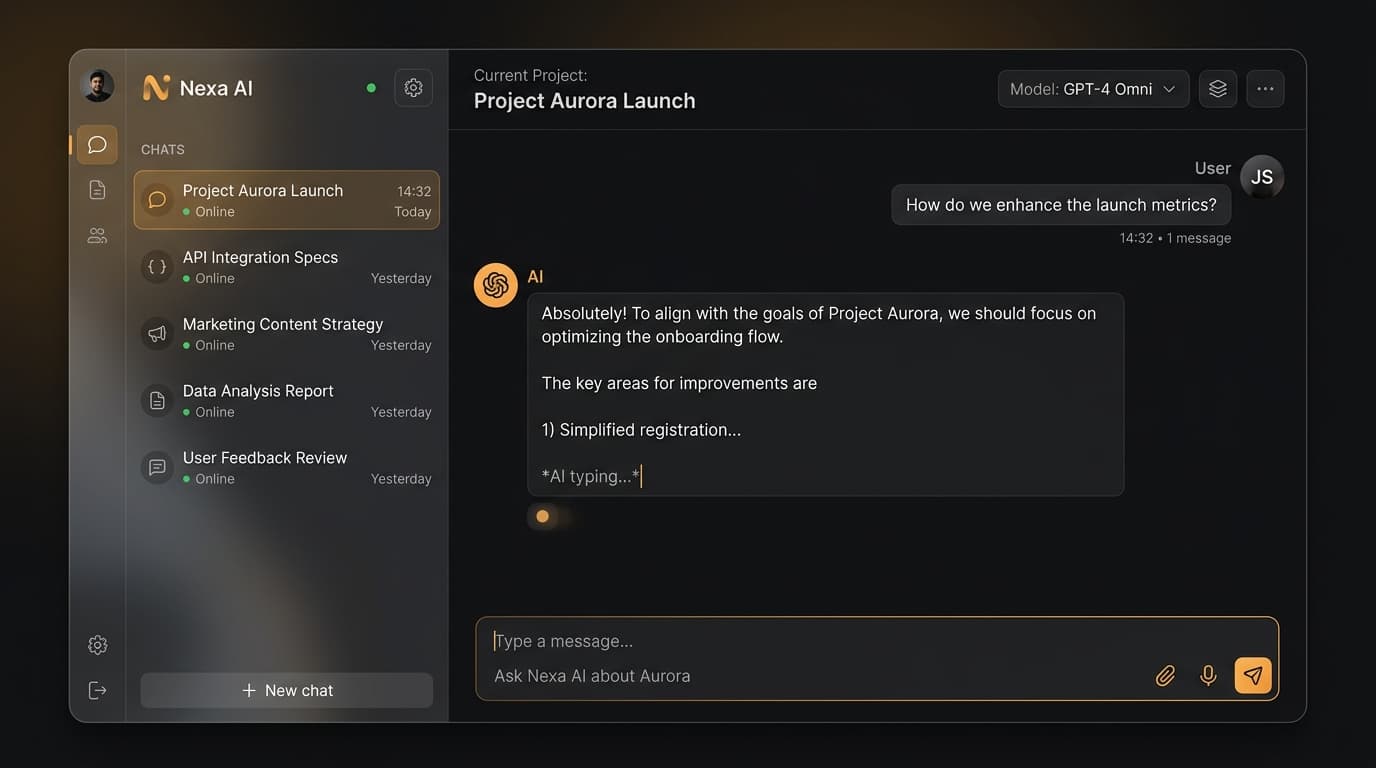
AI-Automated Workflow Builder
Build a complete automated workflow using Zapier AI, Power Automate, or custom GPTs that saves at least 5 hours per week. Include triggers, actions, and error handling for a real business scenario.
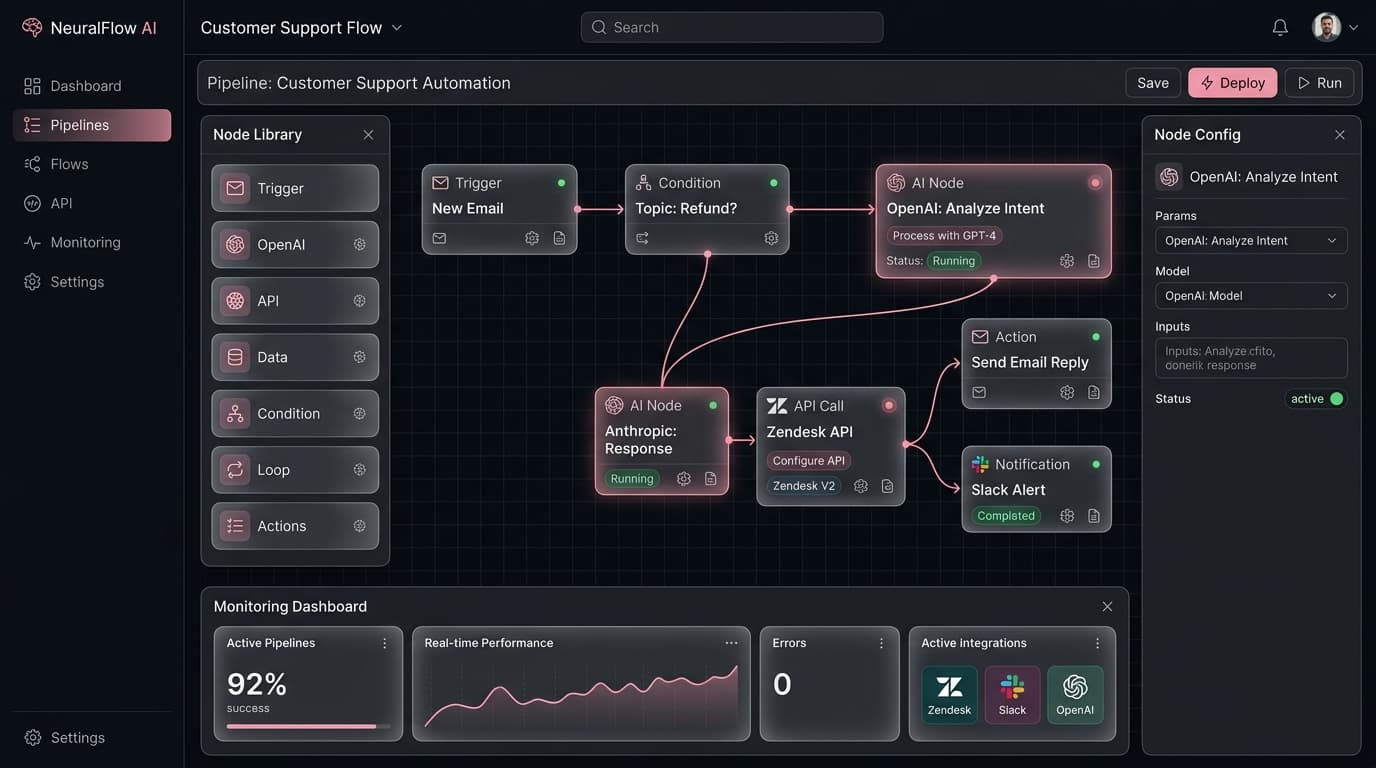
AI Productivity Portfolio
Create a comprehensive AI productivity portfolio: an AI-powered presentation, an automated reporting dashboard, and a custom AI assistant. Present measurable ROI and time savings to the class.
What Our Graduates Say
Join 3,200+ professionals who have transformed their productivity with AI skills.
“I never thought I'd be automating workflows without code. This bootcamp showed me how to use Copilot and Zapier to save my team 15+ hours per week.”
Jennifer Walsh
Operations Manager at Deloitte
“The Gemini for Workspace module alone justified the entire investment. I create presentations in minutes that used to take me hours.”
Robert Tanaka
Marketing Director at HubSpot
“Dr. Nadia's teaching style is phenomenal. She breaks down complex AI concepts into simple, actionable steps. My project management is now 60% faster.”
Fatima Al-Hassan
Project Manager at McKinsey
“The Excel AI module changed everything. I process complex datasets in a fraction of the time. My managers were amazed at the turnaround improvement.”
Michael Torres
Financial Analyst at Goldman Sachs
“Perfect for non-technical professionals. I went from AI-curious to AI-confident in 8 weeks. Now I'm the go-to person for AI tools in our entire department.”
Lisa Chen
HR Director at Salesforce
“The real-world projects made all the difference. I built an automated reporting workflow that my team uses daily. Best professional development course I've taken.”
Ahmed Khalil
Business Analyst at PwC
See the difference
CodeLeap vs. The Alternatives
We built the most complete AI skills program at a fraction of the cost.
Career Outcomes
From Busy to Productive
Stop doing repetitive work. Start driving real results.
Got promoted within 6 months
Saved per week on average
Productivity increase at work
Would recommend to a colleague
Career Path Transformations
Office Manager
AI Operations Lead
Executive Assistant
AI Productivity Expert
Administrative Assistant
Automation Specialist
Data Analyst
AI-Powered Analyst
AI-literate professionals earn 40% more on average
Every industry needs professionals who can leverage AI. Be the person your company turns to.
Invest in your futureYour Investment
Calculate Your Return on Investment
See how quickly this bootcamp pays for itself based on your current role and experience level.
Why CodeLeap
Built for Maximum Productivity
Learn the exact AI workflows used by top performers at leading companies.
Real AI Tools
Hands-on with ChatGPT, Copilot, Gemini, Zapier, and 8+ professional AI tools. No toy examples.
Templates Library
200+ ready-to-use AI prompt templates, workflow blueprints, and automation recipes.
6 Workflow Projects
Build real automated workflows and AI systems you can use at work immediately.
Slack Community
Lifetime access to our private network. Get help, share wins, connect with alumni.
Lifetime Updates
Access all future curriculum updates as AI tools evolve. Stay current forever.
14-Day Guarantee
Full money-back guarantee within the first 14 days. Zero risk to get started.
Invest in Your AI-Powered Future
Join 3,200+ professionals who've mastered AI for the workplace. Companies using AI see 40% productivity gains. 14-day money-back guarantee.
- 8 weeks of live classes
- 3 business projects
- Community Slack access
- Session recordings
- Certificate of completion
- Everything in Early Bird
- 1-on-1 mentor session
- Priority Q&A support
- Lifetime resource access
- LinkedIn recommendation
Minimum 5 seats
Volume discounts available
- Everything in Full Access
- Team progress dashboard
- Custom industry examples
- Dedicated account manager
- Invoice billing available
Questions? info@codeleap.ai
Custom Organization Pricing
Upskill your entire team with a tailored AI training program. Get volume discounts, dedicated support, and custom onboarding for your organization.
Team Enrollment
5+ seats with volume discounts
Custom Onboarding
Tailored to your team's needs
Progress Dashboard
Track your team's learning
No fixed price — we'll create a plan that fits your organization's size and goals.
Book Your Study Session
One live study session per month. Select a date below and reserve your spot.
Sessions are held online via Zoom. Calendar invites will be sent upon confirmation.
Questions? info@codeleap.ai
Frequently Asked Questions
Everything you need to know before enrolling.
Absolutely not! This course is designed specifically for non-technical professionals. If you can use email and a web browser, you have all the skills needed. No coding, no formulas, no technical jargon.
Microsoft 365 Copilot, Google Gemini for Workspace, ChatGPT, Claude, Zapier AI, Power Automate, Notion AI, Canva AI, Gamma AI, Otter.ai, and more. We cover the tools you actually use at work.
AI won't replace you - but professionals who use AI will replace those who don't. This course makes you the AI expert on your team, making you more valuable and irreplaceable.
Yes! Our curriculum covers use cases for marketing, sales, HR, finance, operations, project management, and more. The skills are universal and we help you apply them to your specific role.
2-3 hours of live classes per week for 8 weeks, plus time for projects. Most students spend 5-8 hours total per week. Everything is designed to fit around a full-time job.
Yes! Upon completing all three projects, you receive a CodeLeap AI-Powered Workplace Professional certificate for LinkedIn and your resume.
Access to either is helpful but not required. We provide demo accounts during class, and many tools offer free tiers. We'll guide you through setup.
Absolutely! We offer corporate team packages (5+ seats at $797/person) with team progress dashboards and custom industry examples. Contact info@codeleap.ai for team pricing.
All sessions are recorded and available for replay. Our community Slack channel provides support from instructors and fellow learners.
Yes, 14-day satisfaction guarantee. If you're not happy within the first two weeks, we'll refund your payment in full.
Can't find your answer? Contact us
50 AI Prompts That 10x Your Productivity
- ChatGPT prompts for reports
- Email automation templates
- Data analysis prompts
- Meeting summary prompts
Get your free toolkit
Enter your email to receive instant access.
No spam. Unsubscribe anytime.
Ready to transform your career?
Begin your journey
Questions? Reach out to
Interested? Get in Touch
Leave your details and we'll reach out with more information.
Trusted by 2,000+ professionals worldwide
As featured in