AI Productivity, Simplified
Clean, focused AI training. No fluff, no jargon — just practical workplace AI skills.
Enroll NowTools You'll Master
This course strips AI training down to what matters: practical skills you can use on Monday morning. There is no fluff, no unnecessary technical detail, and no jargon. In eight focused weeks you will learn to use Microsoft Copilot and Google Gemini in your daily work — drafting documents, managing email, preparing presentations, and handling data — with a clear, step-by-step approach designed for professionals who are new to AI tools.
Who Is This For?
Professionals who are completely new to AI tools and want a clear, beginner-friendly starting point
Office workers who feel overwhelmed by the pace of AI change and want a simple, structured introduction
Managers and executives who need practical AI skills but have limited time for lengthy training programs
Any professional who has tried AI tools independently but felt confused or underwhelmed by the results
What You Will Learn
Write effective AI prompts for common workplace tasks without any prior AI experience
Use Copilot in Microsoft Word and Google Docs to draft and refine professional documents in minutes
Manage your inbox more efficiently using AI email summarization, drafting, and priority sorting
Prepare clear, well-structured presentations faster using Copilot in PowerPoint and Google Slides
Handle basic data tasks in Excel and Google Sheets using AI formulas and natural language queries
Industry Insights
of office workers report feeling behind their peers in AI tool adoption, creating a clear professional development opportunity
average daily time savings for office professionals who consistently use AI tools for email, document, and meeting tasks
of professionals who complete a structured AI workplace training course continue using AI tools daily six months after completion
“I was nervous about AI tools — I thought they were for tech people. After week two of this course I was using Copilot to draft correspondence that used to take me 45 minutes in under five. I wish I had started sooner.”
Frequently Asked Questions
I have never used AI tools at all. Will I be lost from the start?
How much time per week does the course require?
Will this course become outdated quickly as AI tools change?
Faster Work
Student Satisfaction
Trusted Companies
Trusted Companies
What Our Graduates Say
Join 3,200+ professionals who have transformed their productivity with AI skills.
“I never thought I'd be automating workflows without code. This bootcamp showed me how to use Copilot and Zapier to save my team 15+ hours per week.”
Jennifer Walsh
Operations Manager at Deloitte
“The Gemini for Workspace module alone justified the entire investment. I create presentations in minutes that used to take me hours.”
Robert Tanaka
Marketing Director at HubSpot
“Dr. Nadia's teaching style is phenomenal. She breaks down complex AI concepts into simple, actionable steps. My project management is now 60% faster.”
Fatima Al-Hassan
Project Manager at McKinsey
“The Excel AI module changed everything. I process complex datasets in a fraction of the time. My managers were amazed at the turnaround improvement.”
Michael Torres
Financial Analyst at Goldman Sachs
“Perfect for non-technical professionals. I went from AI-curious to AI-confident in 8 weeks. Now I'm the go-to person for AI tools in our entire department.”
Lisa Chen
HR Director at Salesforce
“The real-world projects made all the difference. I built an automated reporting workflow that my team uses daily. Best professional development course I've taken.”
Ahmed Khalil
Business Analyst at PwC
Course Length
8-Week Curriculum
From AI basics to automated workflows. No coding required. Hands-on every week.
13% explored
Welcome to the AI-Powered Workplace
Portfolio Projects
3 Real-World Business Projects
Ship production-grade apps that showcase your AI skills to employers and clients.
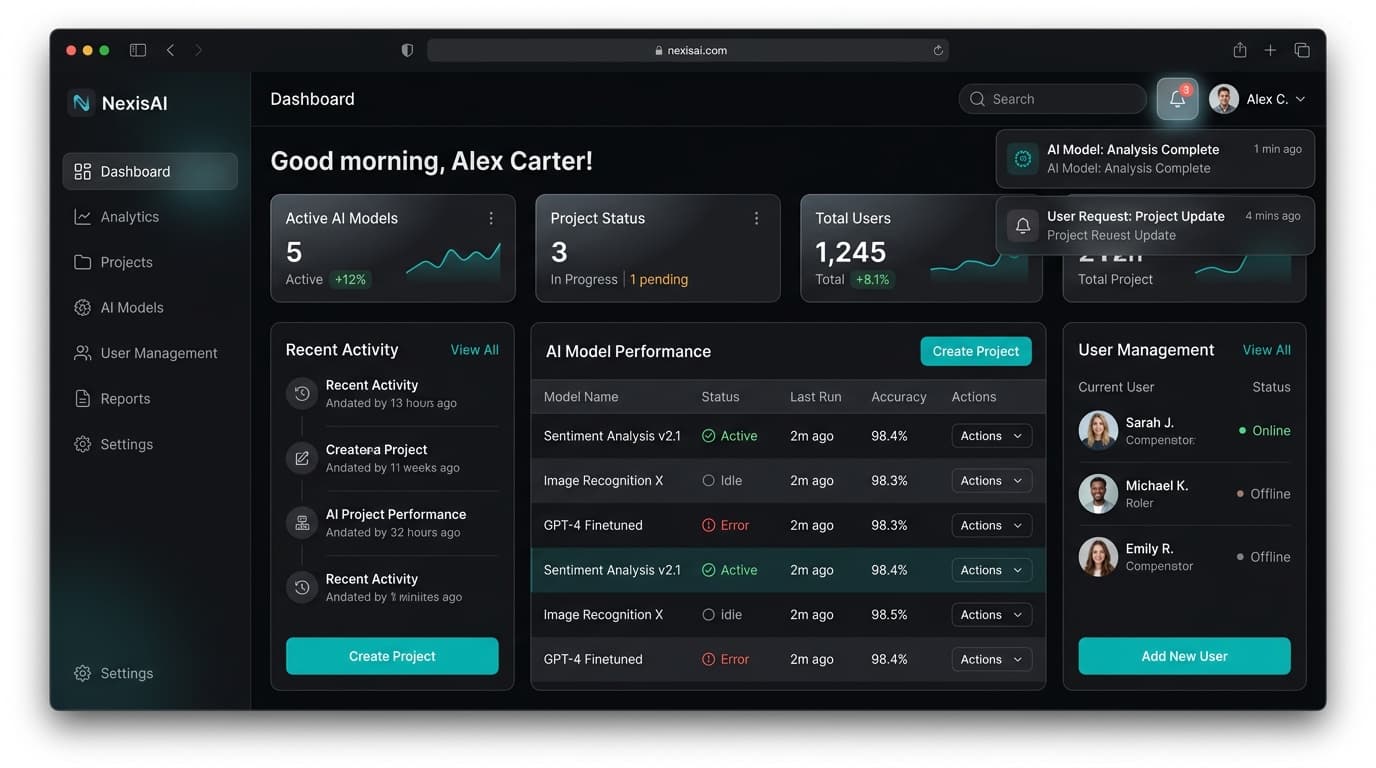
Business Process Transformation with AI
Identify a real business process in your work (reporting, onboarding, client communication, etc.) and transform it using Microsoft Copilot or Google Gemini. Document time saved and quality improvements.
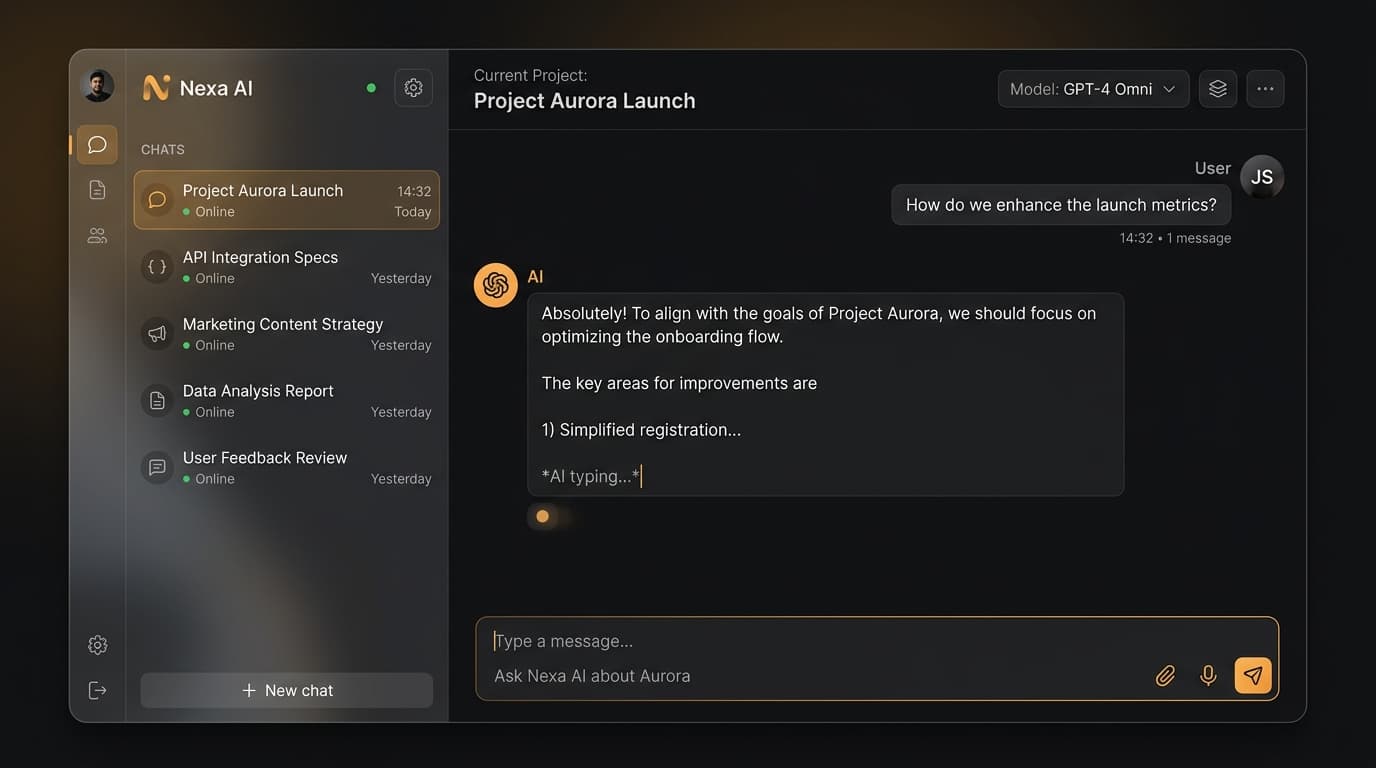
AI-Automated Workflow Builder
Build a complete automated workflow using Zapier AI, Power Automate, or custom GPTs that saves at least 5 hours per week. Include triggers, actions, and error handling for a real business scenario.
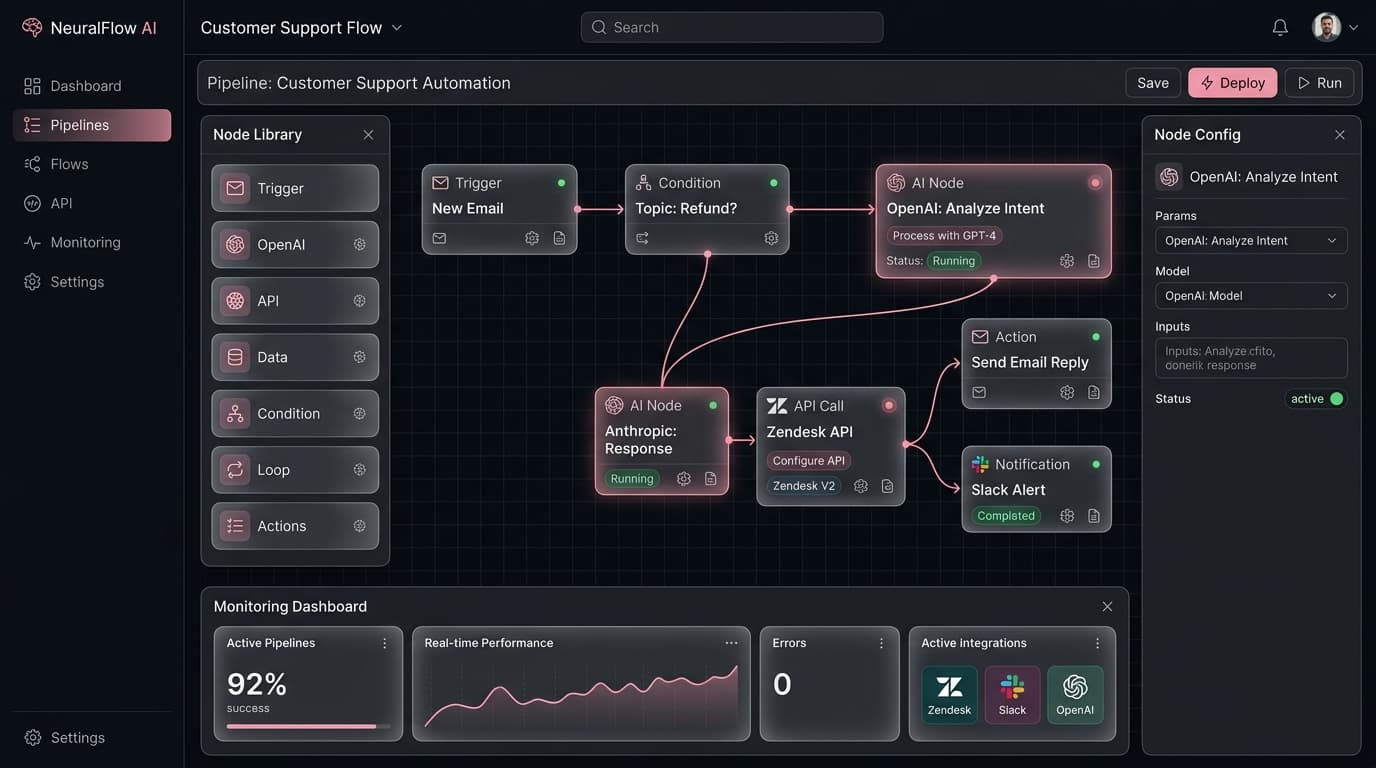
AI Productivity Portfolio
Create a comprehensive AI productivity portfolio: an AI-powered presentation, an automated reporting dashboard, and a custom AI assistant. Present measurable ROI and time savings to the class.
Invest in Your AI-Powered Future
Join 3,200+ professionals who've mastered AI for the workplace. Companies using AI see 40% productivity gains. 14-day money-back guarantee.
- 8 weeks of live classes
- 3 business projects
- Community Slack access
- Session recordings
- Certificate of completion
- Everything in Early Bird
- 1-on-1 mentor session
- Priority Q&A support
- Lifetime resource access
- LinkedIn recommendation
Minimum 5 seats
Volume discounts available
- Everything in Full Access
- Team progress dashboard
- Custom industry examples
- Dedicated account manager
- Invoice billing available
Questions? info@codeleap.ai
Frequently Asked Questions
Everything you need to know before enrolling.
Absolutely not! This course is designed specifically for non-technical professionals. If you can use email and a web browser, you have all the skills needed. No coding, no formulas, no technical jargon.
Microsoft 365 Copilot, Google Gemini for Workspace, ChatGPT, Claude, Zapier AI, Power Automate, Notion AI, Canva AI, Gamma AI, Otter.ai, and more. We cover the tools you actually use at work.
AI won't replace you - but professionals who use AI will replace those who don't. This course makes you the AI expert on your team, making you more valuable and irreplaceable.
Yes! Our curriculum covers use cases for marketing, sales, HR, finance, operations, project management, and more. The skills are universal and we help you apply them to your specific role.
2-3 hours of live classes per week for 8 weeks, plus time for projects. Most students spend 5-8 hours total per week. Everything is designed to fit around a full-time job.
Yes! Upon completing all three projects, you receive a CodeLeap AI-Powered Workplace Professional certificate for LinkedIn and your resume.
Access to either is helpful but not required. We provide demo accounts during class, and many tools offer free tiers. We'll guide you through setup.
Absolutely! We offer corporate team packages (5+ seats at $797/person) with team progress dashboards and custom industry examples. Contact info@codeleap.ai for team pricing.
All sessions are recorded and available for replay. Our community Slack channel provides support from instructors and fellow learners.
Yes, 14-day satisfaction guarantee. If you're not happy within the first two weeks, we'll refund your payment in full.
Can't find your answer? Contact us
Begin your journey
Questions? Reach out to
Enroll Now